PDF to flashcards
Turn PDFs into flashcards without rewriting everything.
Upload study PDFs, slides, or notes and let Flashio create flashcards and quizzes from the material you already have.
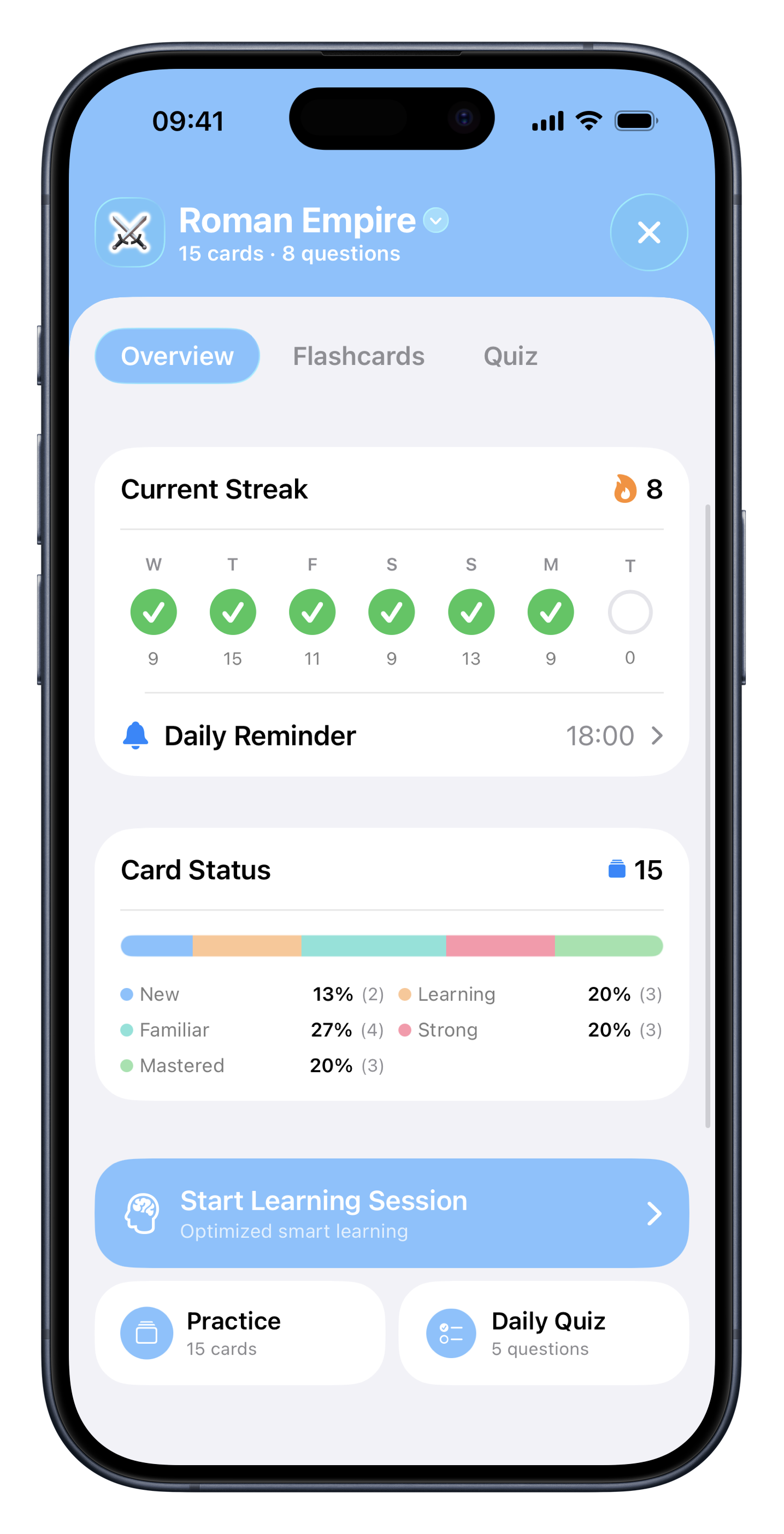
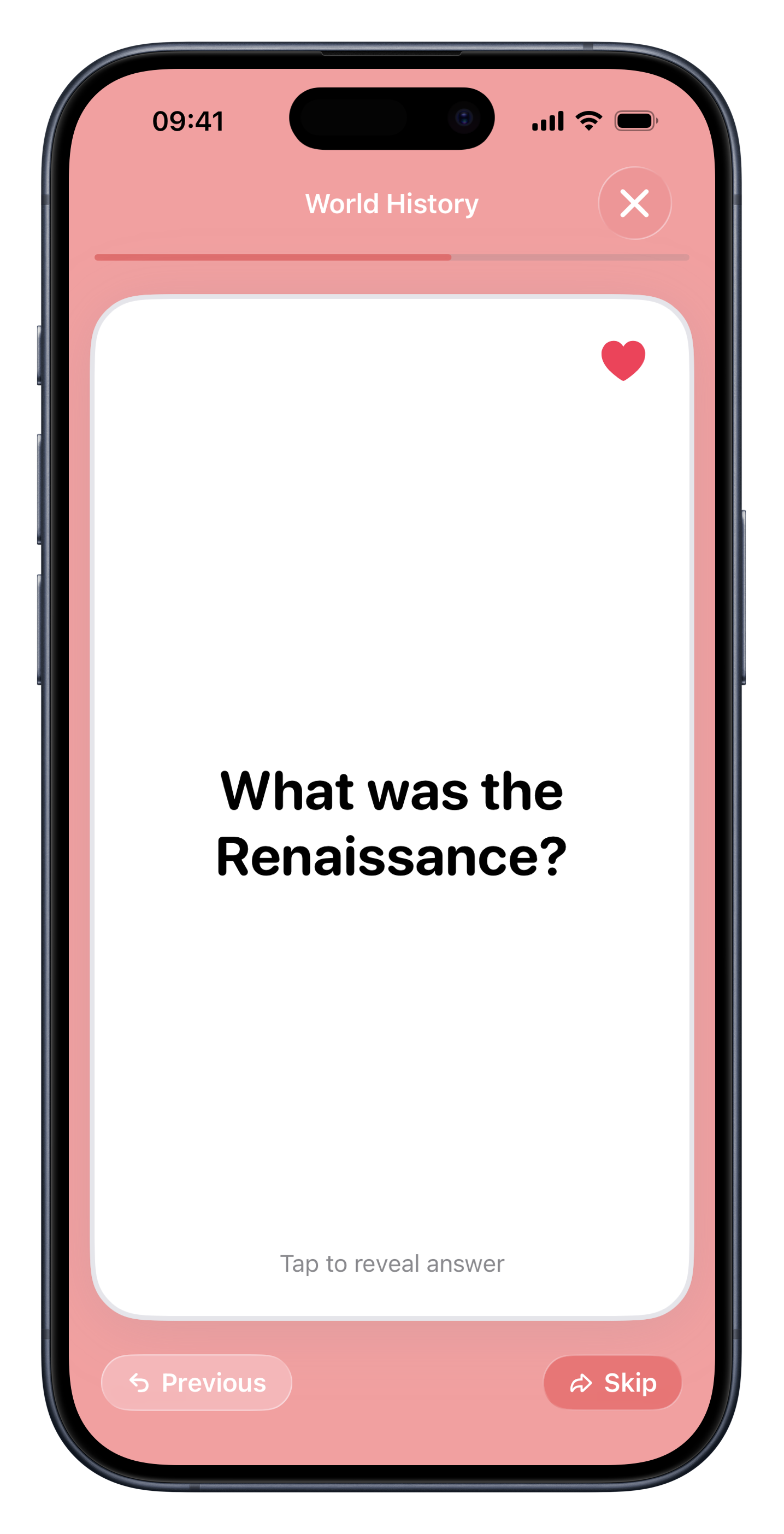
Workflow
From PDF to review deck
Choose your PDF or slides
Use lecture files, study guides, textbook excerpts, or exported class notes.
Let Flashio extract the key ideas
The app turns dense material into cards designed for active recall.
Review before the exam
Study in short sessions instead of scrolling through the same document again.
Use cases
A better way to study long documents
Lecture PDFs
Transform professor slides into cards you can review throughout the week.
Exam summaries
Convert long summaries into questions that reveal what you actually remember.
Textbook chapters
Use key sections as source material for a focused review deck.
Study group files
Share generated decks with classmates so the whole group studies from the same base.
Why it works
PDF review vs active recall
Rereading PDFs
Feels productive, but it often hides weak spots until test day.
Flashio
Turns PDF content into prompts so you have to retrieve the answer yourself.
FAQ
Common questions about pdf to flashcards.
Can Flashio create flashcards from PDFs? +
Yes. Flashio is designed to turn PDFs and other study material into flashcards and quizzes.
Can I use lecture slides? +
Yes. Lecture slides are one of the main study materials Flashio is built for.
Is this useful for exam prep? +
Yes. It helps convert passive reading material into active recall sessions before exams.
Start studying from your own material.
Download Flashio free on iPhone and turn notes, PDFs, slides, screenshots, and images into flashcards and quizzes.