
Screenshots to flashcards
Create flashcards from screenshots, images, and textbook photos.
Snap or upload visual study material and Flashio turns it into flashcards, quizzes, and review sessions.
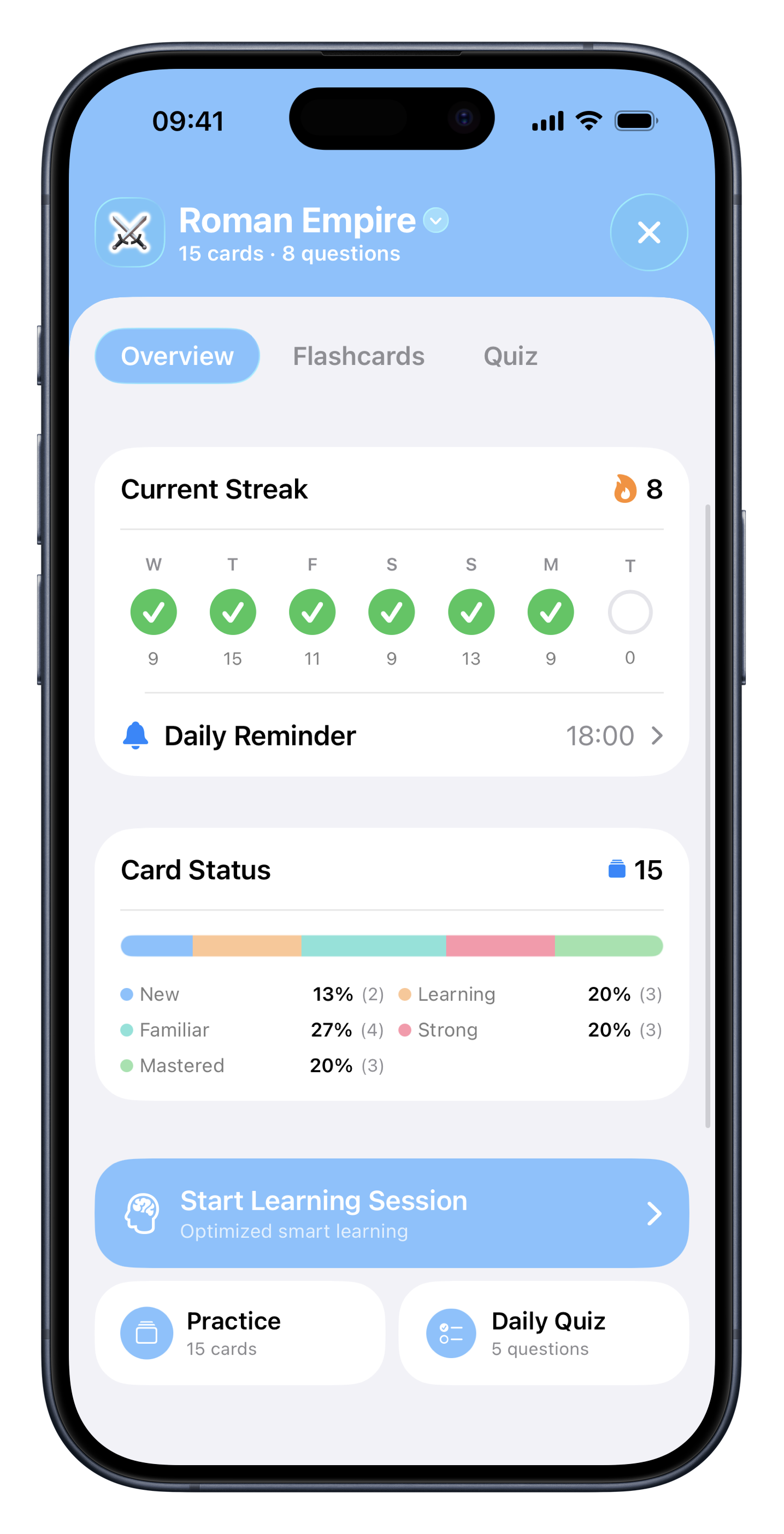
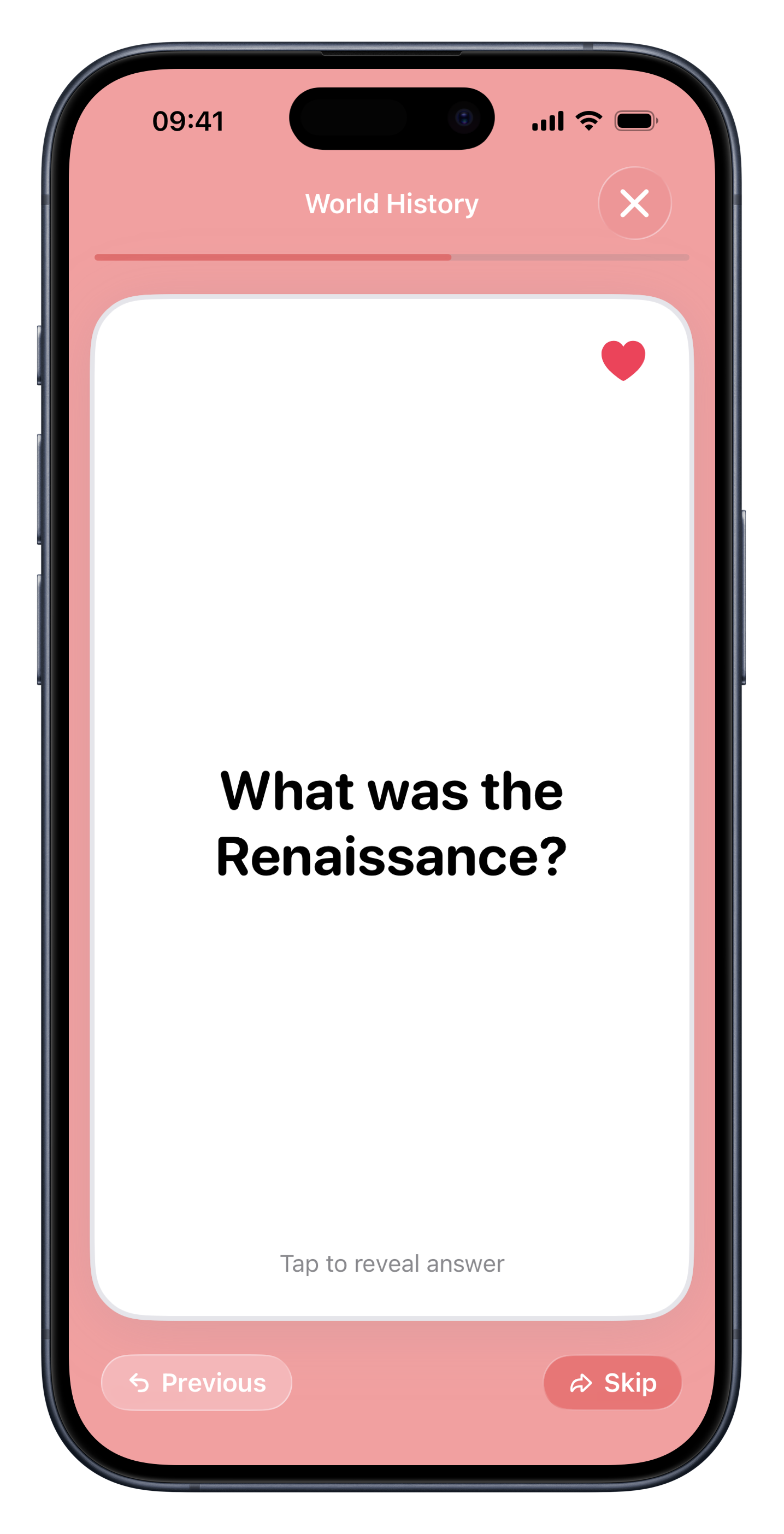
Workflow
Turn visual material into questions
Capture the material
Use screenshots, board photos, textbook pages, or image-based notes.
Generate cards and quizzes
Flashio pulls out the study points and turns them into review prompts.
Review anywhere
Study from your phone instead of keeping screenshots buried in your camera roll.
Use cases
Useful when your notes are not clean text
Textbook photos
Turn important passages and diagrams into recall prompts.
Whiteboards
Capture a board after class and convert it into review material.
Screenshots
Use screenshots from slides, websites, or digital notes as source material.
Language learning
Create vocabulary decks from image-based notes or phrase lists.
Why it works
Screenshots should become study material
Camera roll
Stores useful information, but rarely turns it into a habit.
Flashio
Turns visual material into cards you can review repeatedly.
FAQ
Common questions about flashcards from screenshots.
Can Flashio use screenshots as input? +
Yes. Flashio supports screenshots, images, and photos of study material.
Can I use textbook photos? +
Yes. You can use textbook photos as source material for generated flashcards.
Does Flashio keep the material organized? +
Yes. You can organize generated material into study sets and review sessions.
Start studying from your own material.
Download Flashio free on iPhone and turn notes, PDFs, slides, screenshots, and images into flashcards and quizzes.