AI flashcard maker
Create AI flashcards from your real study material.
Flashio turns notes, PDFs, slides, screenshots, and typed text into focused flashcards and quizzes you can review on iPhone.
Workflow
How the AI flashcard maker works
Add your source material
Start from notes, slides, screenshots, textbook photos, PDFs, or pasted text.
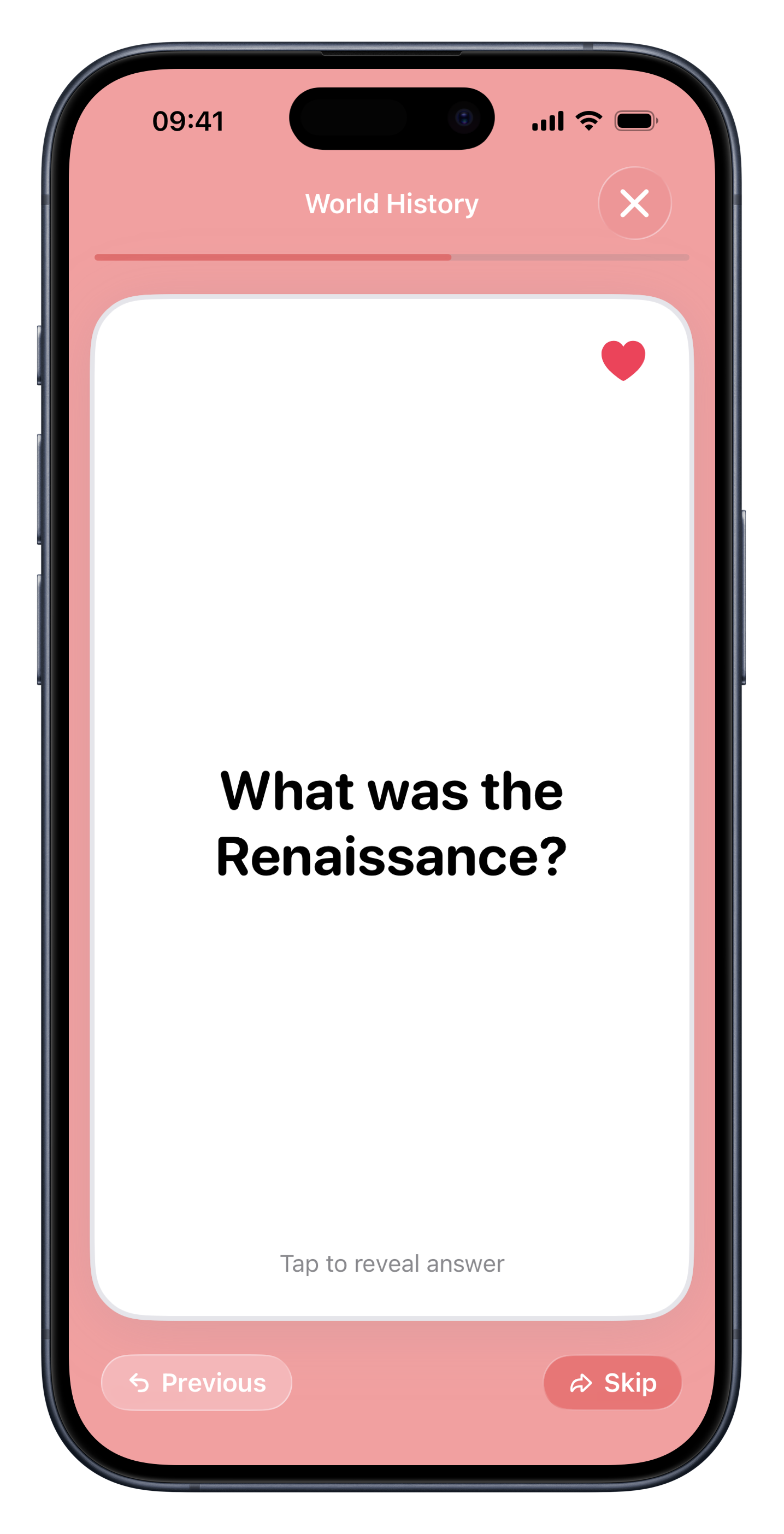
Generate study-ready cards
Flashio extracts important concepts and turns them into flashcards and quick checks.
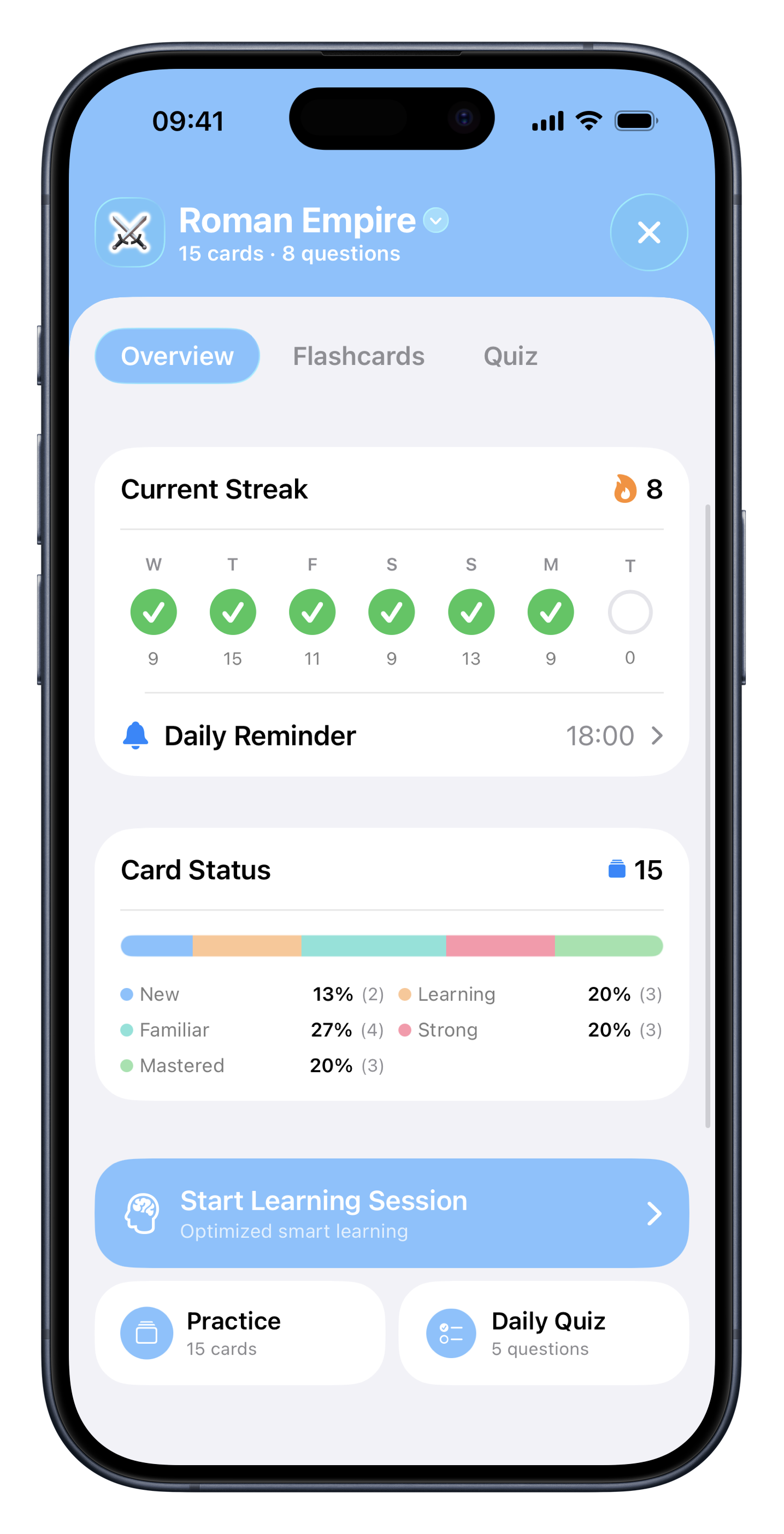
Review with a schedule
Daily reviews bring back the cards you struggle with so sessions stay focused.
Use cases
Best for students who want to skip card writing
Lecture-heavy classes
Turn slides and notes into decks before the information gets buried.
Exam review
Create review material quickly when you need active recall, not another reread.
Language study
Build vocabulary and phrase decks from screenshots, notes, and word lists.
Self-study
Convert articles, summaries, and personal notes into material you can actually review.
Why it works
AI flashcards vs writing cards by hand
Manual card writing
Gives control, but it can take longer than the study session itself.
Flashio
Starts from your own material and gets you to active recall faster.
FAQ
Common questions about ai flashcard maker.
What can I upload to the AI flashcard maker? +
You can use notes, PDFs, lecture slides, screenshots, images, textbook photos, and typed text.
Does Flashio only create flashcards? +
No. Flashio can also create quizzes from your material so you can test what you remember.
Does Flashio include spaced repetition? +
Yes. Flashio schedules reviews with a Leitner-style spaced repetition flow.
Start studying from your own material.
Download Flashio free on iPhone and turn notes, PDFs, slides, screenshots, and images into flashcards and quizzes.