
Notes to flashcards
Turn class notes into flashcards you will actually review.
Paste notes, upload screenshots, or use study files and Flashio turns them into active recall cards and quizzes.
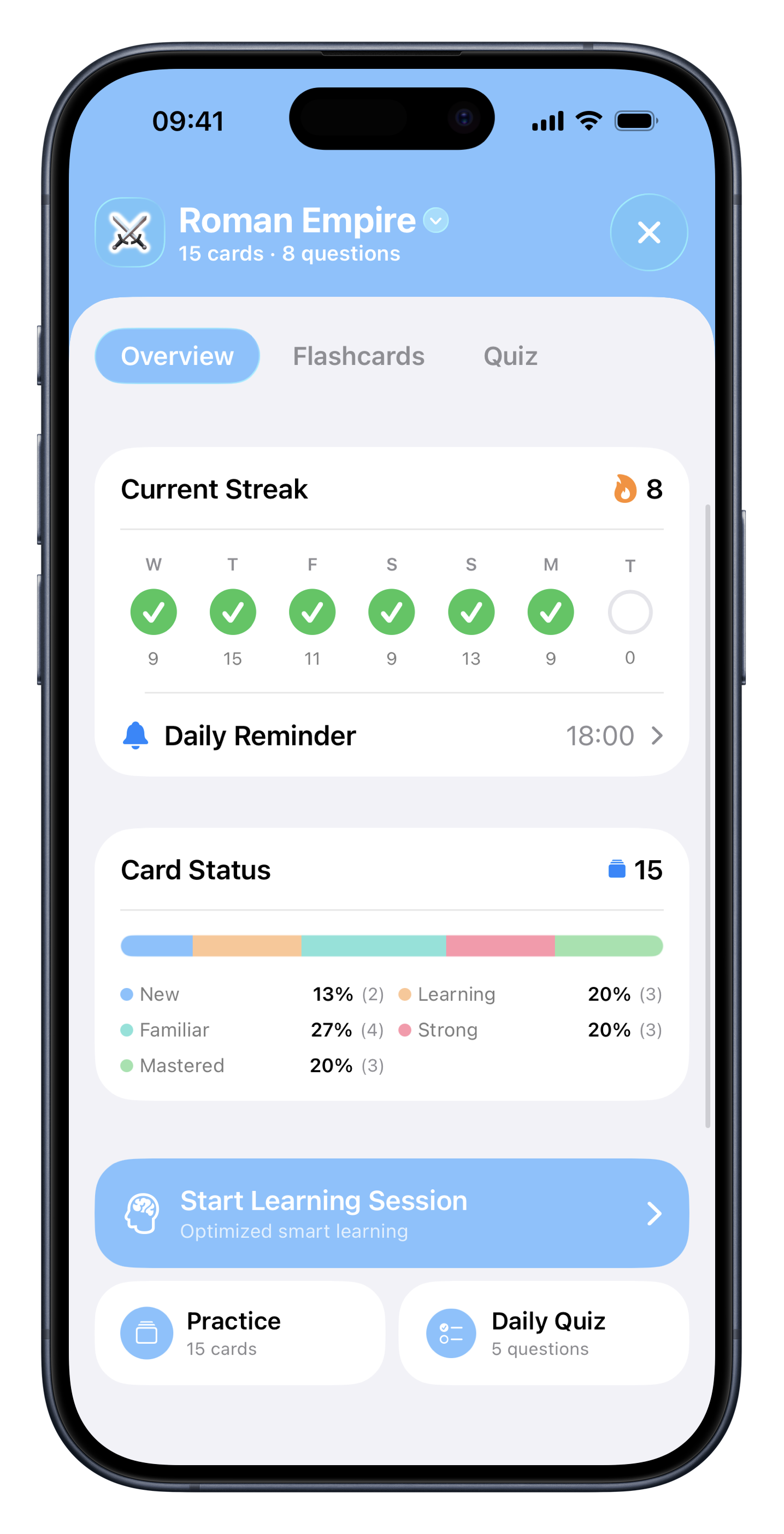
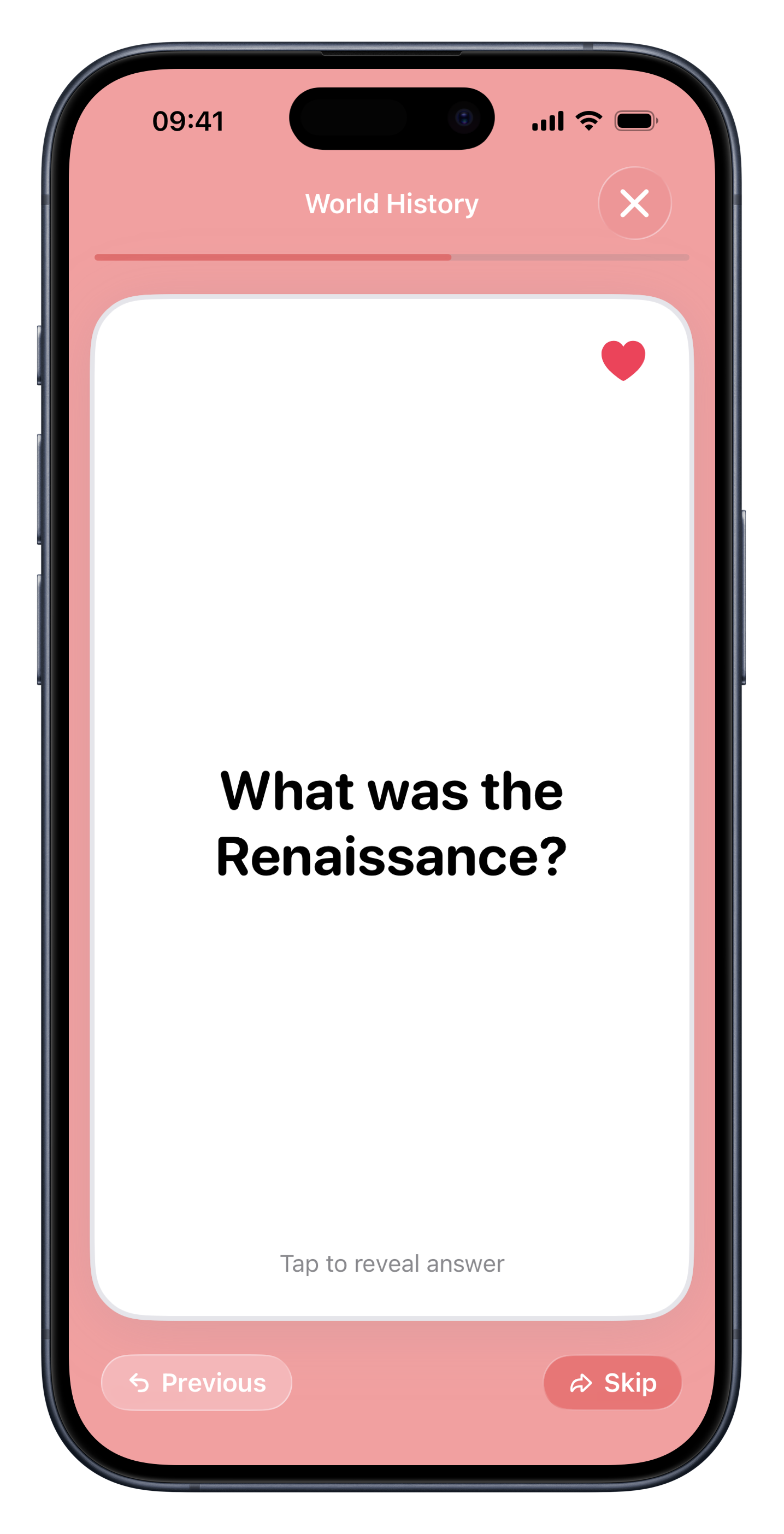
Workflow
A faster path from notes to memory
Add your notes
Use typed notes, pasted summaries, screenshots, or exported study material.
Generate flashcards
Flashio turns important facts and concepts into prompts you can test yourself with.
Keep reviewing
A daily review flow helps you return to weak material before it fades.
Use cases
Designed for messy student notes
After class
Convert fresh notes into flashcards before you forget the context.
Before exams
Turn long summaries into targeted questions for active recall.
Study groups
Share decks made from common notes so everyone reviews the same ideas.
Long-term learning
Keep important concepts in spaced repetition instead of losing them in a notes app.
Why it works
Notes are storage. Flashcards are practice.
Notes
Good for capturing information, but easy to skim without checking recall.
Flashio
Turns notes into questions and keeps bringing back the answers you miss.
FAQ
Common questions about flashcards from notes.
Can I paste text notes into Flashio? +
Yes. Flashio can work from typed notes and other study material.
Can I use screenshots of notes? +
Yes. Screenshots and images are supported study sources.
Does Flashio help me review after creating cards? +
Yes. Flashio includes daily reviews and spaced repetition.
Start studying from your own material.
Download Flashio free on iPhone and turn notes, PDFs, slides, screenshots, and images into flashcards and quizzes.